Importing Orders
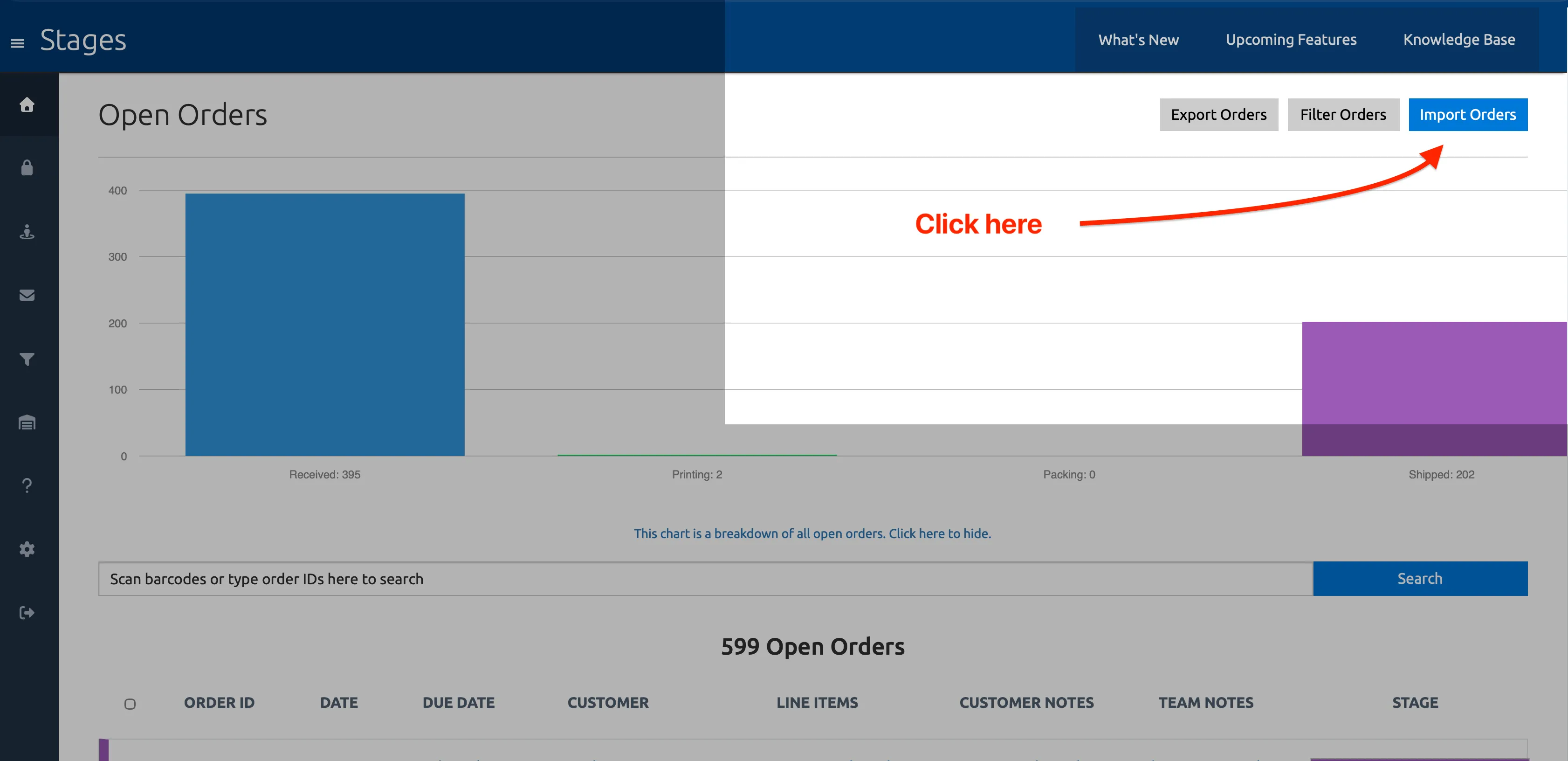
Section titled “Importing Orders”Stages will automatically import and track new orders from your customers as soon as they’re placed (contingent on any Order Filters you’ve configured in the app). But if you’ve recently installed the app and you’re staring at a blank slate, or you just want to import a big batch of orders from your Shopify store for any other reason, you can do so using the Import Orders dialog on the Orders dashboard.
Choose which of your Shopify orders to import – Open, Closed or Cancelled – and select the stage you want to set them to once imported.
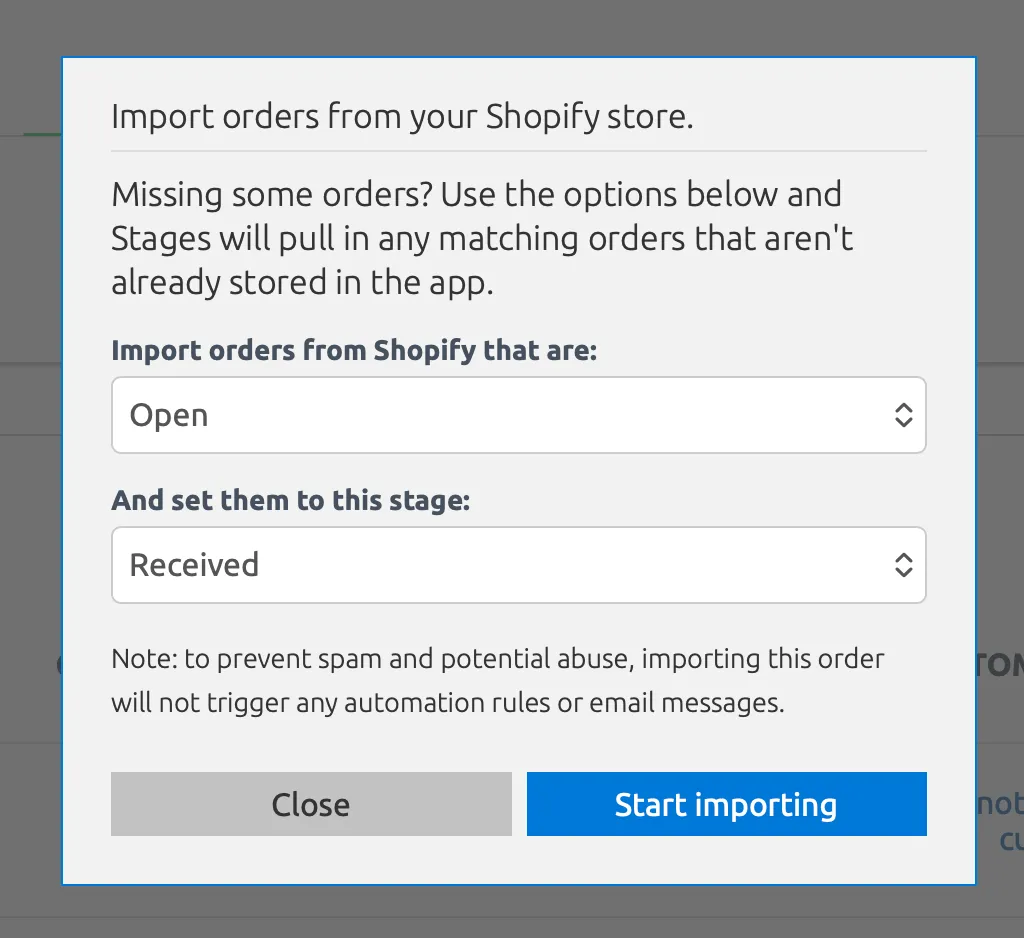
Depending on how many orders you’re importing, the process could take anywhere from several seconds to several minutes or more. Once finished, the app will tell you how many orders were imported.