Sorting Orders
Section titled “Sorting Orders”You can sort your orders on the Orders dashboard using the “Sort by” controls at the bottom of the page. These controls let you sort the orders by Order ID, Customer Name, Date Received, and Due Date.
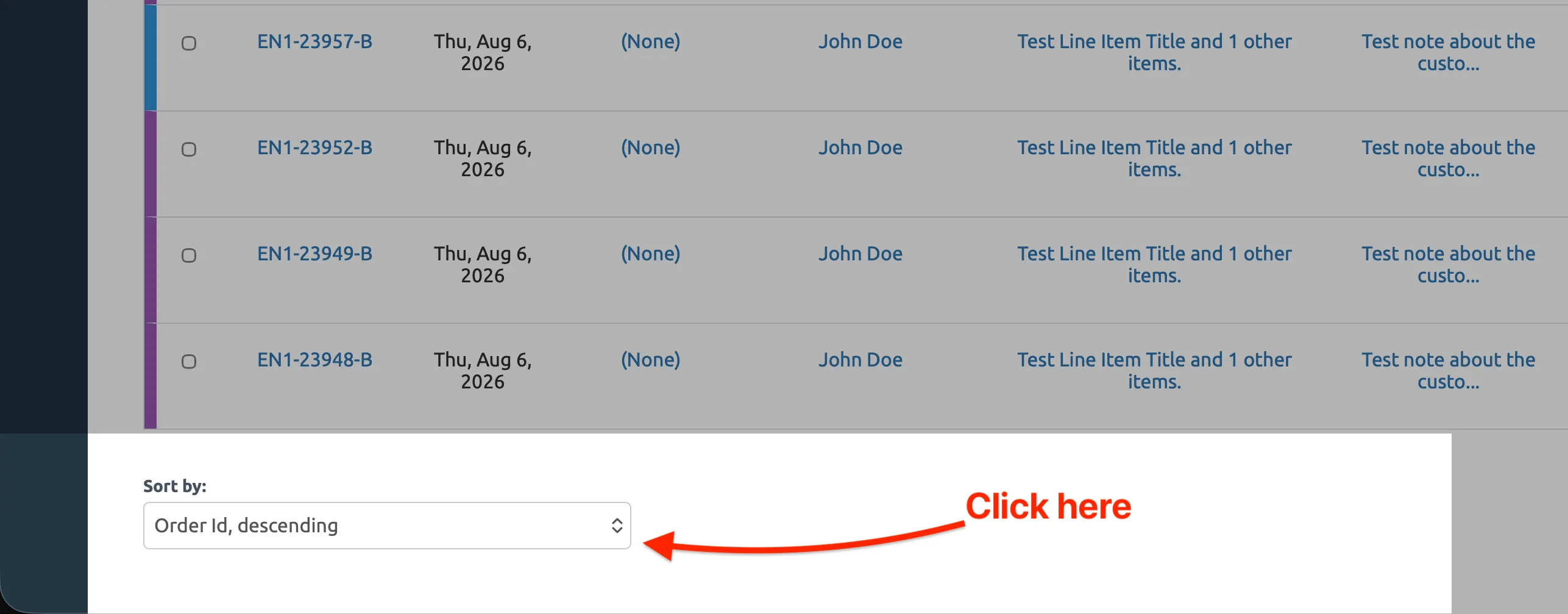
Click the Sort by button at the bottom of the Orders dashboard to open the sort menu.
The sort menu lets you choose how to order your orders.
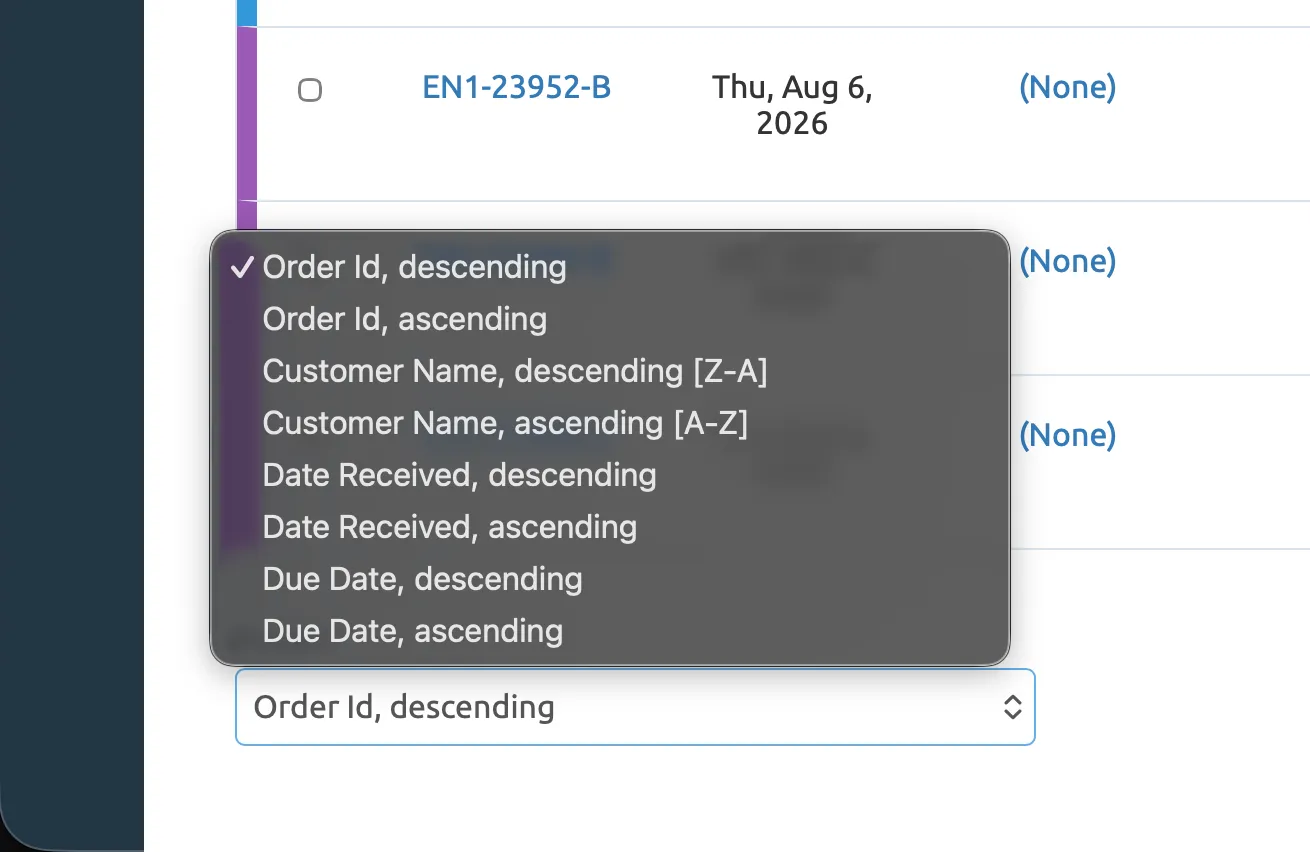
This setting is sticky and will be reused each time you visit the dashboard. If you’re filtering orders, the sort does not change your filter settings.